
Back to start
Pick device2Install3Start class
Set up on PCAbout 10 minutes end-to-end.
- Buy & install Minecraft JavaGet Standard Edition (about $30) from the official store. Deluxe isn't needed. Check the store for the exact price.
- Install Aleph Kids desktop appSign in at alephlab.ai/app and download. Aleph Kids launches Minecraft for you, so you don't need the official launcher. What you do need is to open the app and sign in to Microsoft with the account you bought Minecraft on — remember which account that is!Windows blocking the download? A “isn’t commonly downloaded” or “make sure you trust it” warning is normal — not because the app is unsafe, but because it’s a new version few people have downloaded yet. Follow Fix the Windows download warning step by step.
- Join a classAt alephlab.ai/app, click Start class and the lesson begins. Follow the screens below:You only link your Minecraft (Microsoft) account once — after that, just click Start class and it launches automatically.For the full walkthrough, see the tutorial and the attached video.
📷 View step-by-step screenshots (9)▾
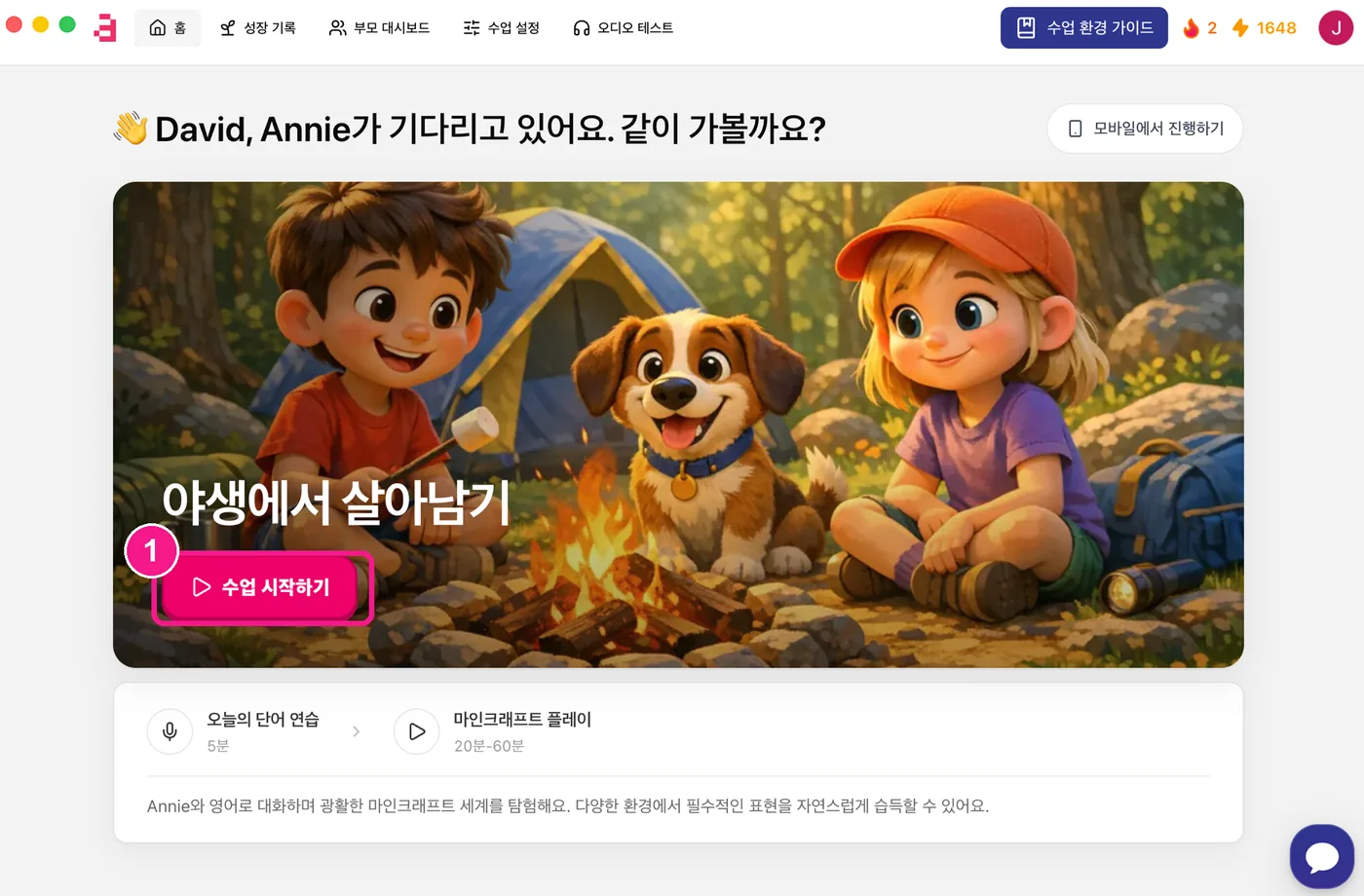
1) On the Aleph Kids app home, click 'Start class' (수업 시작하기). 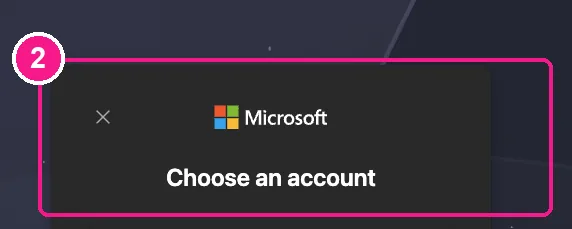
2) On first use, a Minecraft (Microsoft) account window appears — choose your account and sign in. 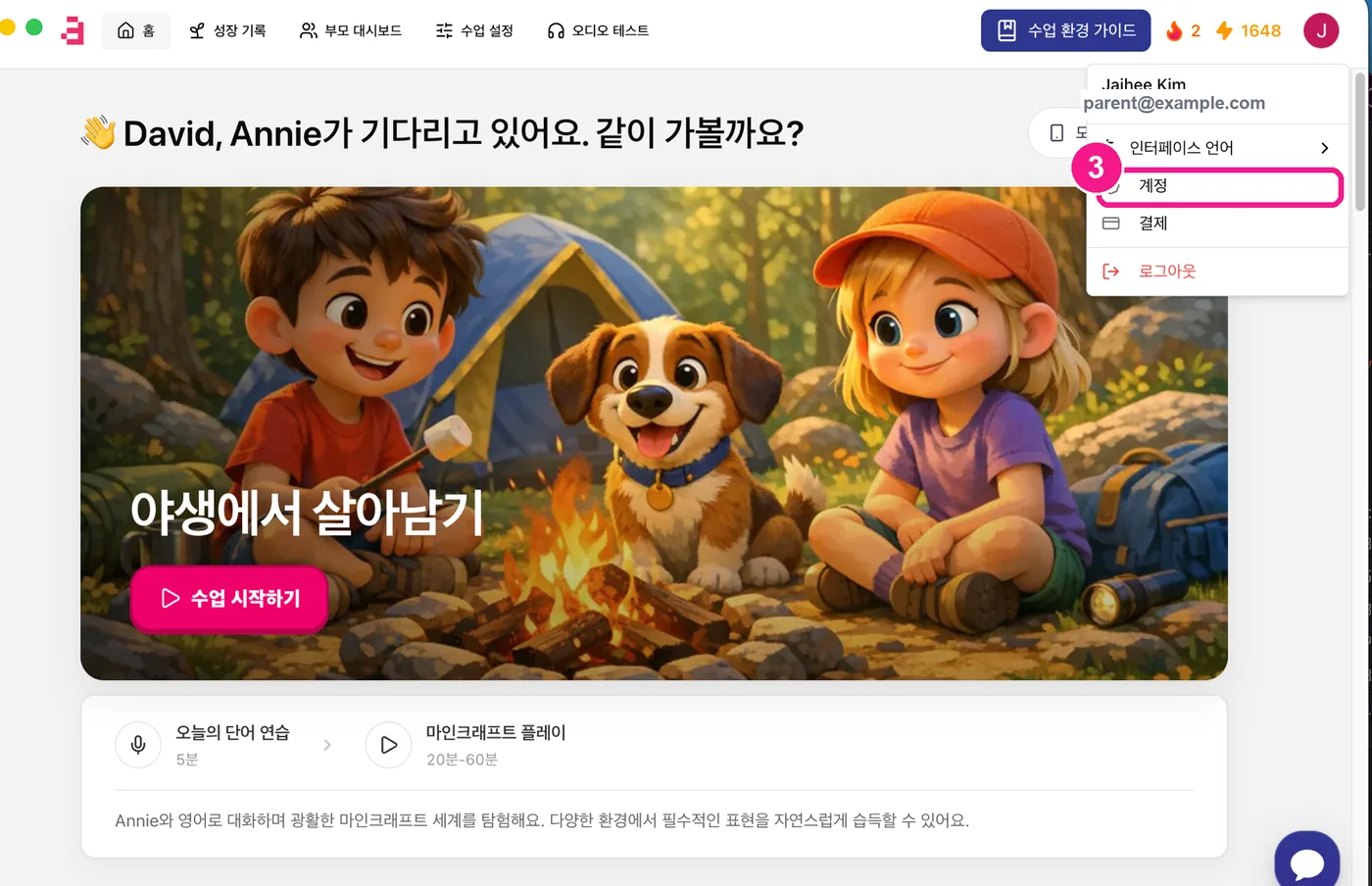
3) Click your profile (top-right) and choose 'Account' (계정). 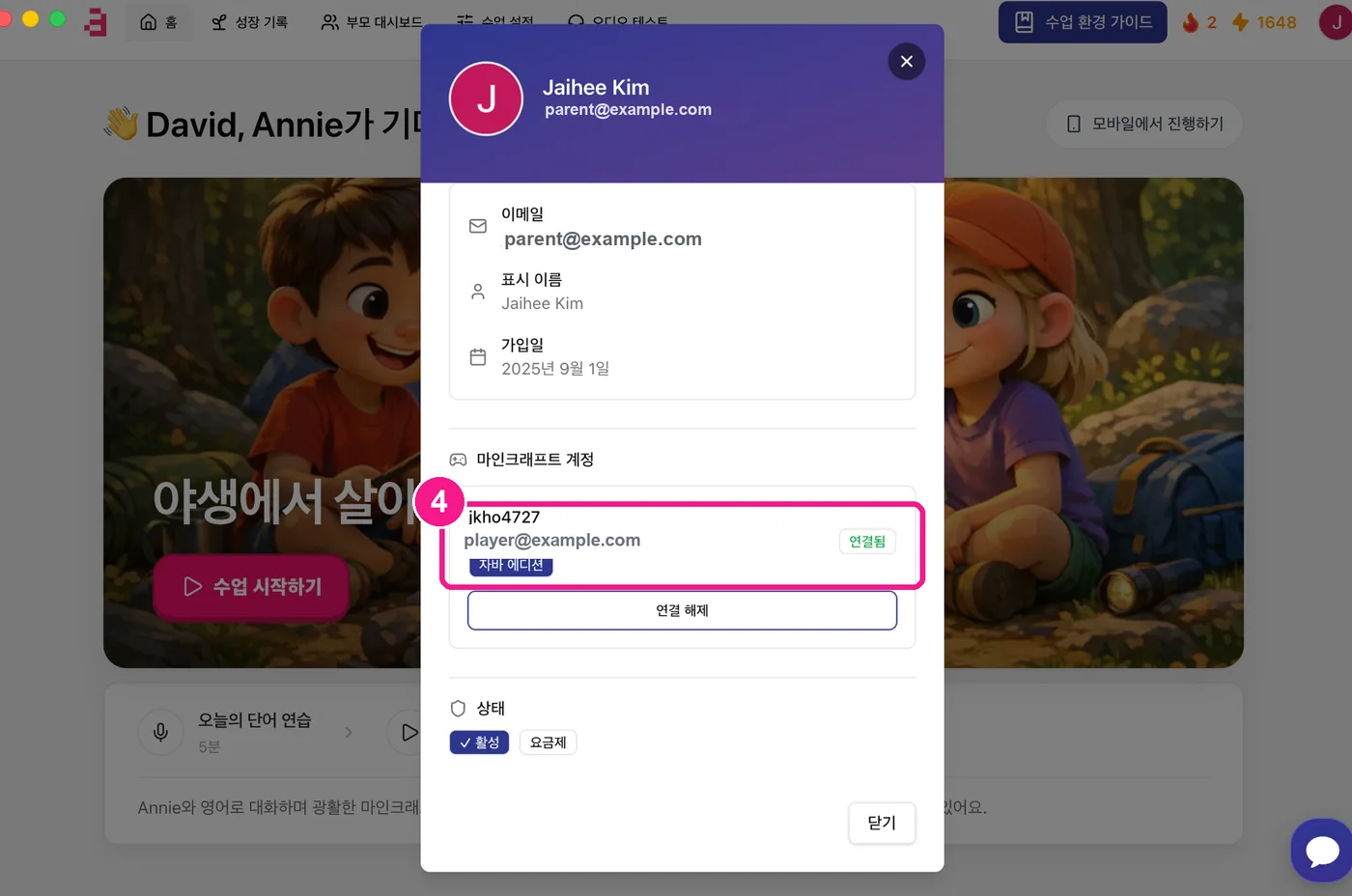
4) Under 'Minecraft account', check it shows 'Java Edition · Connected' (자바 에디션 · 연결됨) with your in-game ID. 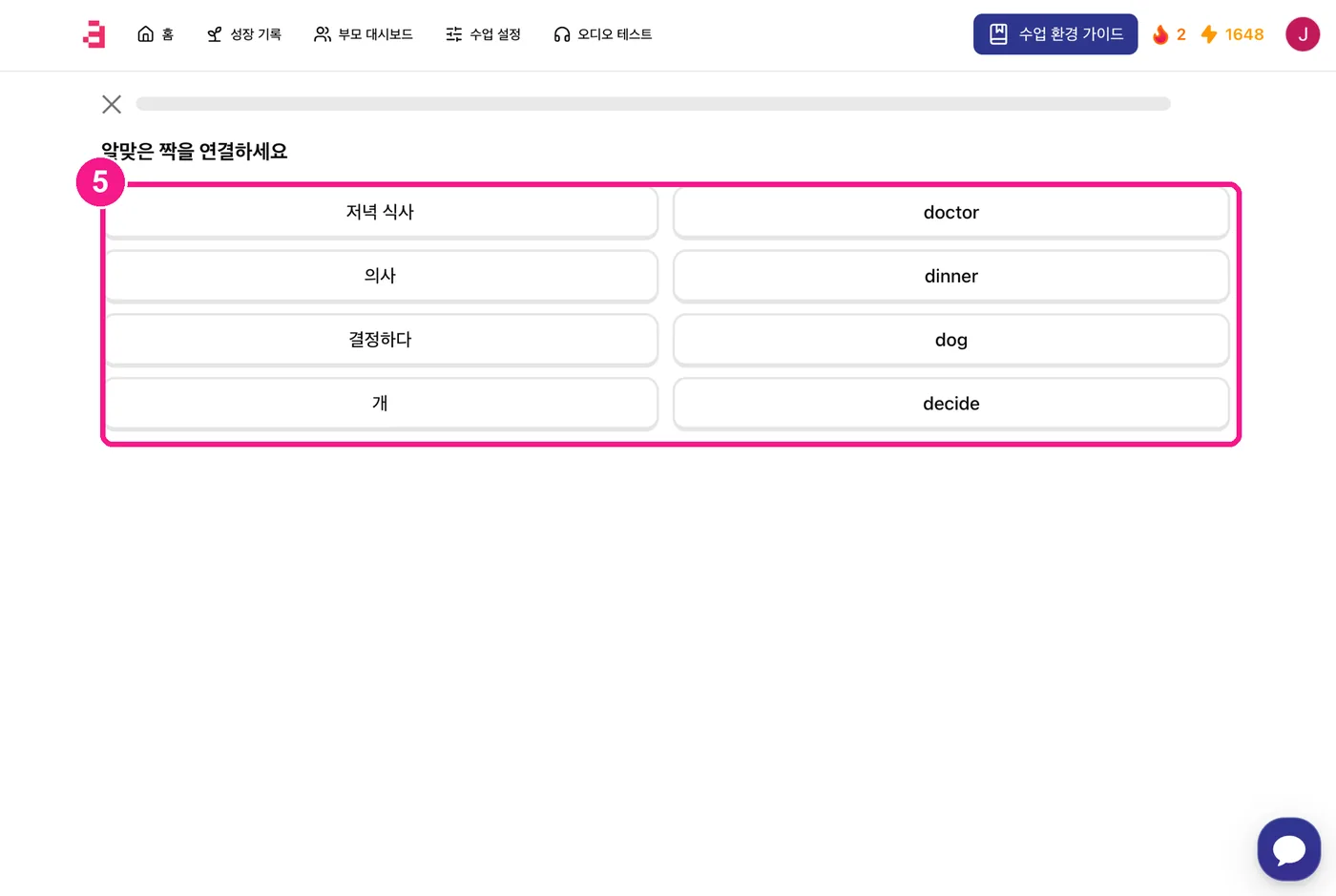
5) When class starts, you first solve a short quiz (word practice). You can customize it under 'Class settings' (수업 설정) at the top. 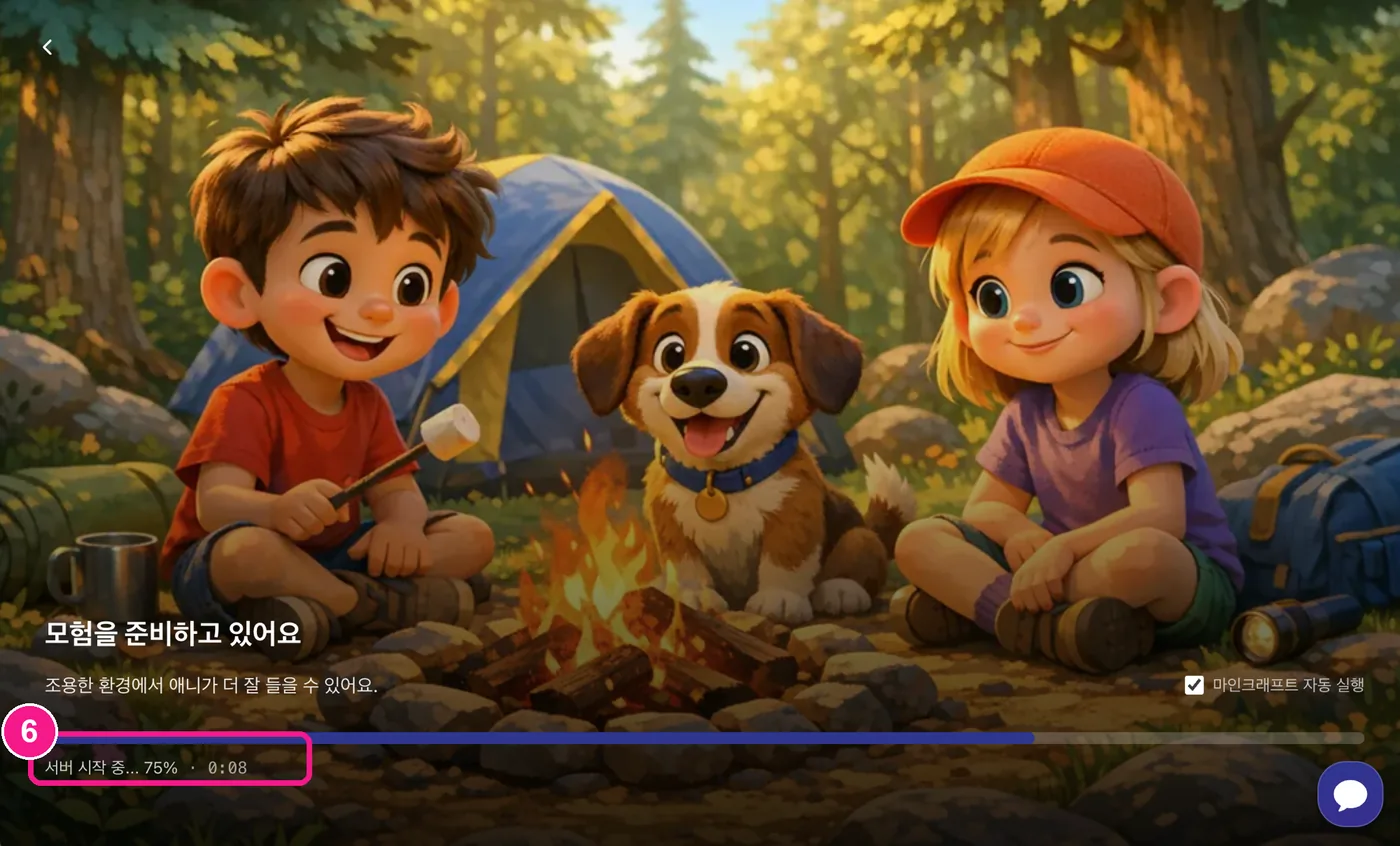
6) Wait while the server gets ready — it can take up to ~5 minutes depending on conditions. 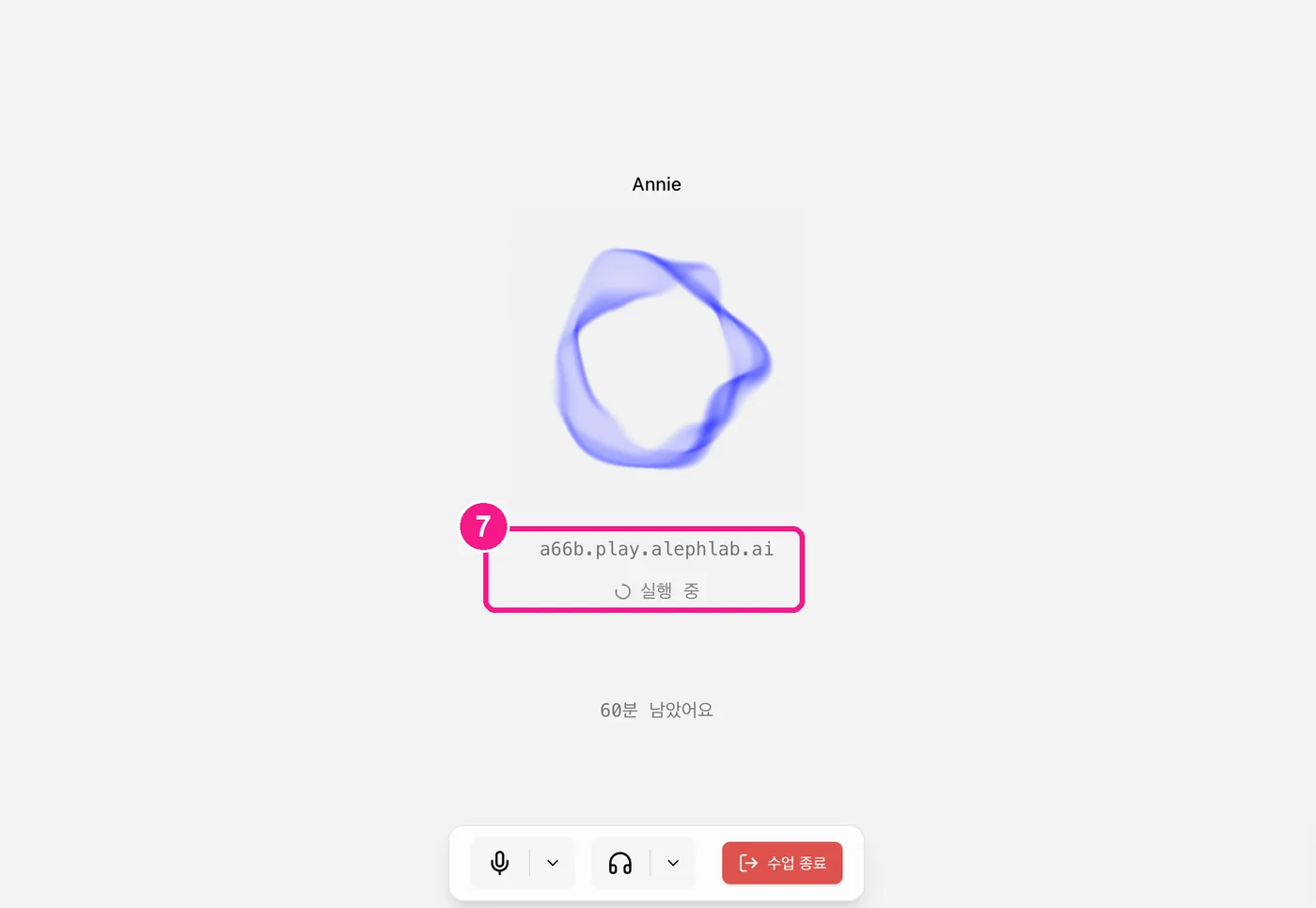
7) Minecraft launches automatically — please wait for the window to open; it starts shortly. 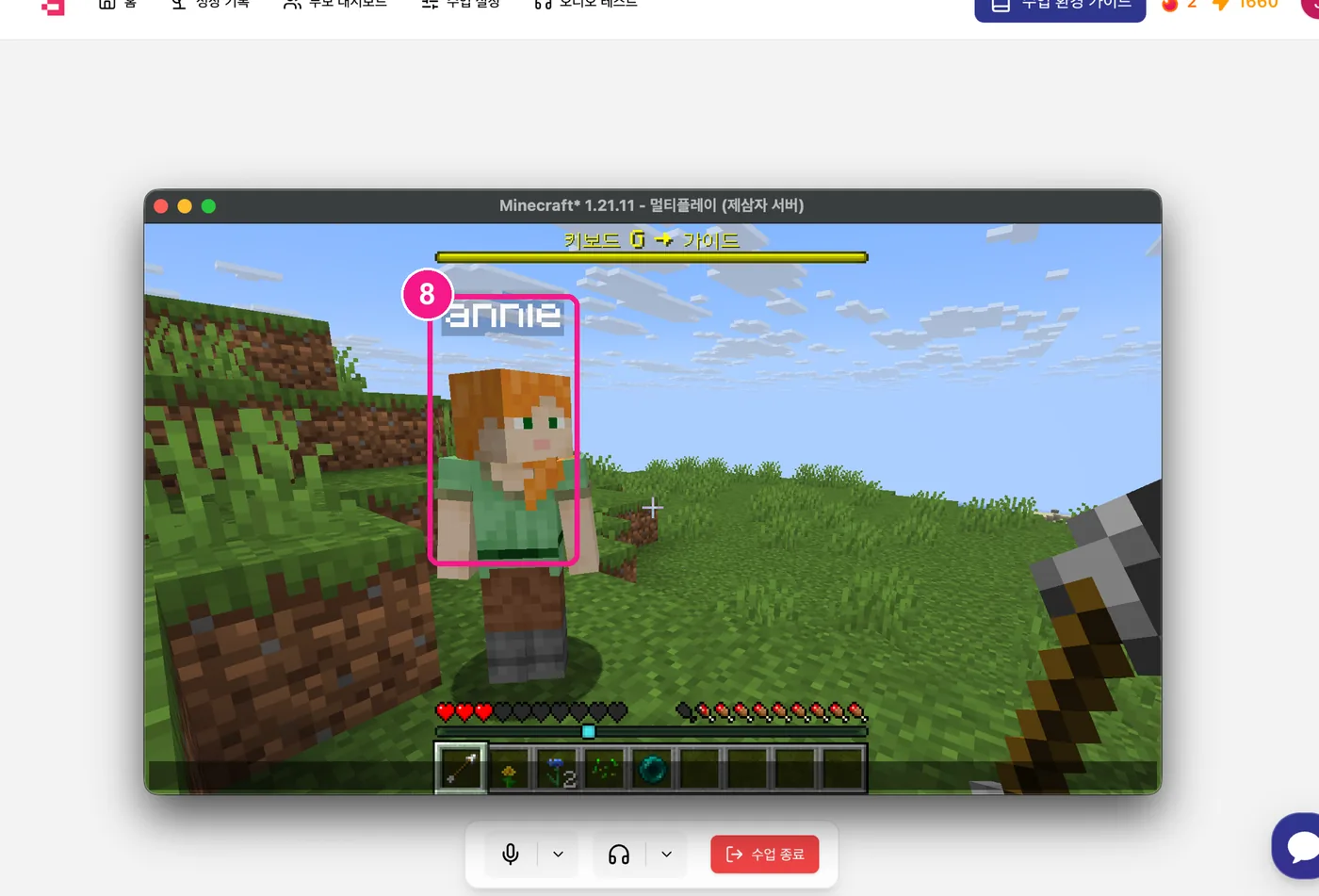
8) Meet Annie (annie) inside the game and enjoy playing together! 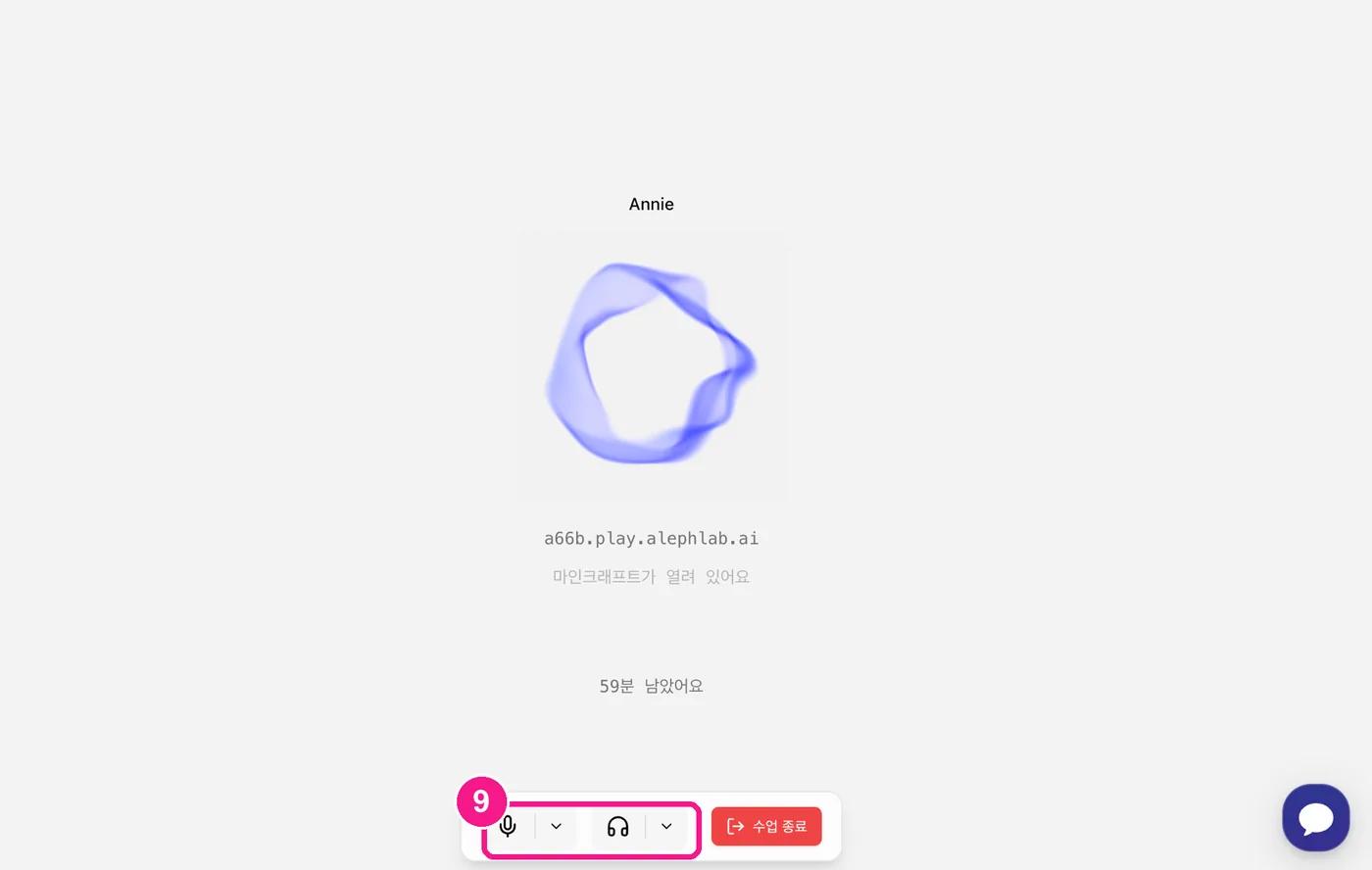
9) If the mic isn't working or you can't hear Annie, click the arrows (⌄) next to the mic/headset below and switch to the correct device.
First-time Java Edition buyer?. You don't need to install the official launcher. But if you just bought it, create your Minecraft username (profile) first at minecraft.net/profile — without a profile, Minecraft won't launch even after you sign in. Then sign in to Microsoft once in the Aleph Kids desktop app with the account you bought Minecraft on.
If Annie isn't responding. This one comes up a lot. Use Audio Test at the top of the screen to check your mic and speakers before class. If your laptop has no built-in microphone, be sure to have a headset ready!